
Orders, Receipts, and Purchase Consent Records
You can review your ShowMeLocal orders, access and print receipts, and view the consent information recorded during a purchase from your account dashboard.
Access your orders
- Log in to ShowMeLocal.
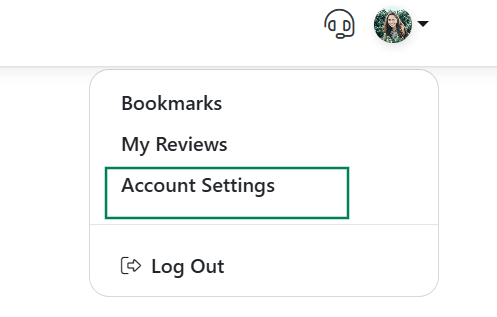
- Click your name in the dashboard navigation bar.
- Select Account Settings.
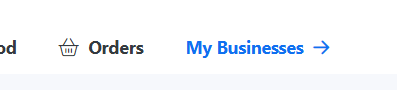
- Click on Orders Tab.
- Find the order you want to review.
Your order history includes eligible Premium subscription purchases and other ShowMeLocal transactions associated with your account.
Access and print your receipts
- Click your name in the dashboard navigation bar.
- Select Receipts.
- Find and open the receipt you need.
- Use the print option to print or save a copy of the receipt.
The Receipts section provides access to all available receipts associated with your account.
What is a Purchase Consent record?
During checkout, ShowMeLocal records your answers to the required consent checkboxes along with the associated electronic purchase record.
This information documents that:
- You intended to complete the purchase.
- You reviewed the applicable subscription information.
- You were shown the available subscription-management tools, when applicable.
- You accepted the applicable terms and policies.
The Purchase Consent record is stored with the corresponding order under the Authorized button.
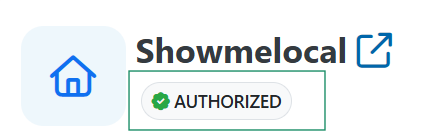
The Purchase Consent record displays the confirmations collected when the purchase was completed.
Viewing a Purchase Consent record does not modify or cancel a subscription.
Need help with an order?
Contact ShowMeLocal Support and include:
- Your business name
- Your Business ID, if available
- Your account email address
- The applicable order number
- A description of the order or billing question